A maintenance call comes in at 8.15am. By 9am, the same issue has been noted in a phone message, copied into an inbox, added to a task list and mentioned in a landlord update. That is not a people problem. It is an operational design problem.
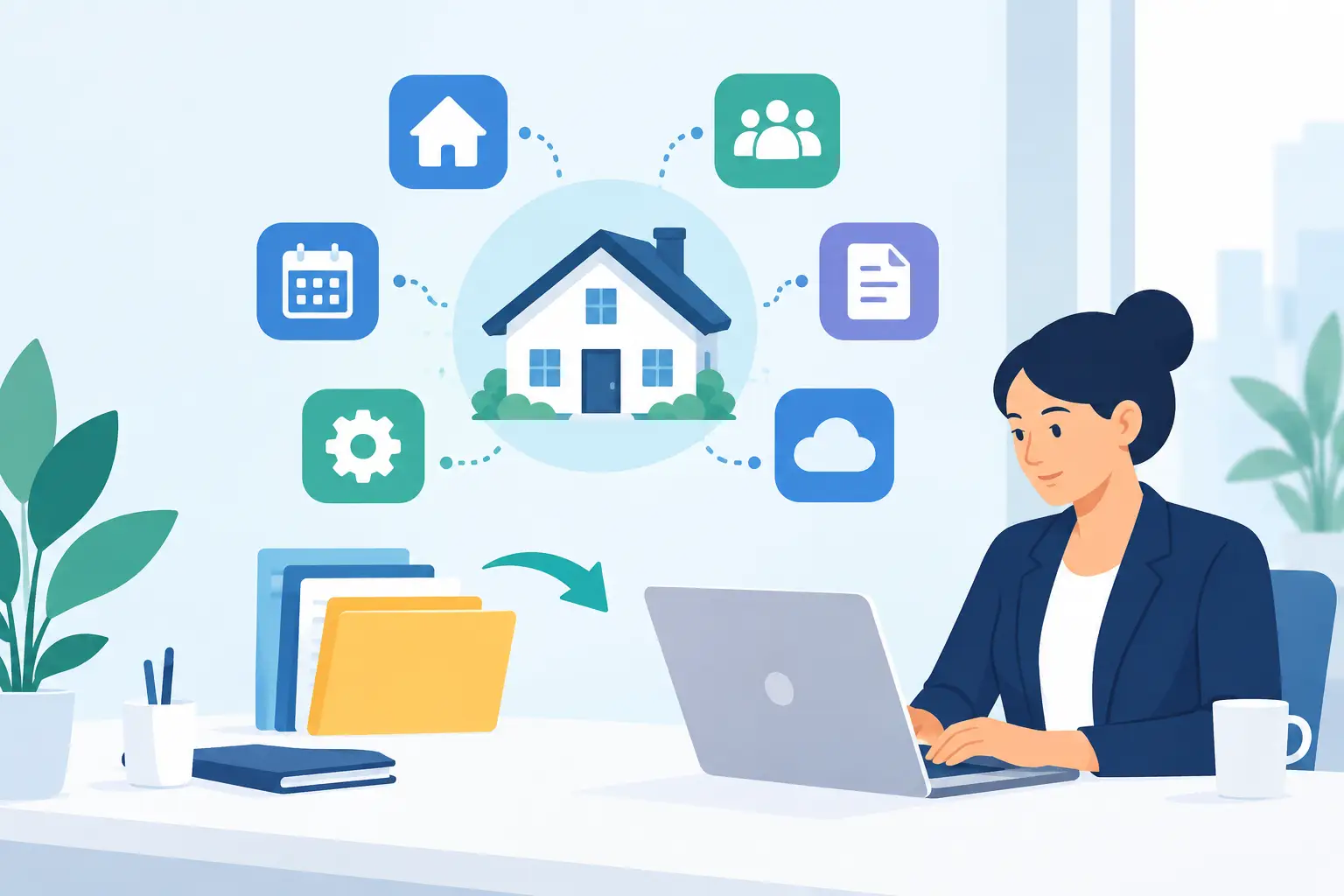
Property integration gives letting and block management teams a way to connect the systems they already rely on, so information moves to the right place without repeated handling. Done well, it reduces avoidable admin, gives managers a clearer view of work in progress and stops landlords chasing for updates that should already be visible.
For busy UK property businesses, the objective is not to add another dashboard. It is to create a practical operational layer around the CRM and finance platforms that hold core property data.
What property integration should achieve
Most agencies already have established systems for contacts, tenancies, accounting and compliance. Replacing them can be disruptive, expensive and difficult to justify. A useful integration strategy respects that reality.
The right approach connects systems where a handover currently depends on someone remembering to copy information, update a status or forward a message. Calls, emails, maintenance requests, recurring inspections and landlord queries are common pressure points. When each one creates manual administration across separate platforms, small delays compound across a portfolio.
Property integration should therefore produce three commercial outcomes: less duplicated work, stronger operational control and clearer communication for clients. If a connection does not improve one of those outcomes, it may be technical activity rather than a worthwhile operational improvement.
For example, an incoming call about a repair can be captured, categorised and turned into an assigned task. The relevant property and contact information can be available to the person handling it, while the progress of that task contributes to a current landlord view. The team is not searching across inboxes or asking who last spoke to the tenant. The landlord is not waiting for an end-of-month explanation.
Where disconnected systems cost the most
The cost of fragmented tools is rarely shown as a single line on a profit and loss statement. It appears in five-minute tasks repeated hundreds of times: checking a reference, writing an update, re-keying a note, finding a contractor message or replying to a landlord who has no visibility.
These tasks also interrupt higher-value work. A property manager dealing with a complex tenancy matter cannot give it proper attention if routine calls and status requests are constantly pulling them back into administration. For an agency director, that means experienced staff spend too much time acting as a bridge between systems.
Block management teams often feel this even more sharply. One development may generate communication from leaseholders, contractors, directors and managing agents, with different deadlines and approval routes. A message buried in an individual inbox is not just inconvenient. It can create uncertainty over ownership, response times and the audit trail.
The impact is not limited to internal efficiency. When teams cannot easily see the latest information, response quality varies. Landlords receive different answers depending on who they ask, and staff become reliant on personal knowledge rather than a consistent process. That is difficult to scale, particularly when the portfolio grows without a matching increase in headcount.
Build around workflows, not software labels
A common mistake is to begin with a list of applications and ask which ones can connect. Start with the work instead. Identify the moments where a request enters the business, changes hands or requires an update to a stakeholder.
A practical review might follow a maintenance issue from first contact to completion. How is the call or email recorded? Who decides priority? How is the task assigned? Where are contractor updates kept? What triggers a landlord notification? Which system is treated as the record if there is a dispute?
This exercise exposes the actual gaps. In some cases, the CRM already holds everything needed but staff are not prompted to take the next action. In others, the finance system is correct for transactions but unsuitable as a communication workspace. The answer is not always more automation. Sometimes it is a clearer owner, a better status structure or a single shared location for correspondence.
Automation is most valuable when the rule is stable and the volume is high. Creating tasks from defined call types, routing routine enquiries, issuing reminders and compiling live updates are strong candidates. Sensitive complaints, unusual repairs and negotiations still need judgement. Good property operations use automation to protect human time for the work where experience matters.
A practical model for property integration
The most effective projects are phased. Trying to connect every data source and process at once tends to create long implementation cycles and confusion about priorities. Start with the workflow that creates the largest volume of repetitive handling or causes the most client friction.
1. Define the source of truth
Every team needs clarity on where key records belong. Your CRM may be the primary source for property, tenancy and contact details, while finance software remains the authority for balances and payments. An operational platform can coordinate communication and task activity without attempting to replace either.
This avoids conflicting records. It also gives staff confidence about where to check and update information. Integration should reduce uncertainty, not create a second version of the same property file.
2. Standardise the information coming in
A phone call labelled simply as “tenant query” is difficult to route and report on. A call categorised as “urgent repair”, “rent query” or “viewing request” is immediately more useful. The same principle applies to emails, portal messages and internal notes.
Standardisation does require some discipline. Teams may need to agree definitions for priorities, task statuses and service levels before automating them. That work can feel less exciting than adding a new tool, but it is what makes reporting reliable and automation safe.
3. Automate handovers and reminders
The best early automations remove steps that staff perform repeatedly with little added judgement. An AI call-handling service can capture the reason for a call and create the appropriate follow-up task. A task can be assigned based on property, issue type or team workload. Reminders can surface before a deadline is missed rather than after a landlord asks for an update.
The test is simple: would a capable administrator make the same decision in most cases? If the answer is yes, it is likely a good automation candidate. If the answer depends heavily on context, create visibility and prompts first, then leave the decision with the team.
4. Give landlords useful visibility
A landlord dashboard should answer practical questions without requiring an email exchange: what is happening at the property, what actions are outstanding and what has recently been completed? That level of access can reduce inbound chasing while demonstrating that the portfolio is being actively managed.
Visibility must be designed carefully. Not every internal note belongs in a client-facing view, and not every live issue needs a notification the moment it is logged. The aim is accountable communication, not unnecessary alarm. Agree which statuses, documents and updates are appropriate to share, then keep the information current through the workflows your team already uses.
Integration is not the same as implementation success
A connection between two systems is only the starting point. The operational benefit depends on adoption, ownership and measurement. If staff continue recording calls in personal notebooks or managing work from inboxes, the integrated process will not tell the full story.
Set a small number of measures before launch. This could include time from first contact to task assignment, the number of overdue tasks, repeat landlord update requests and hours spent each week on manual logging. For a large portfolio, even a reduction of a few minutes per property interaction can represent substantial monthly capacity.
Review the exceptions as well as the headline results. Are urgent calls being classified correctly? Are tasks being assigned to the right team? Are landlords seeing useful information, or merely more information? The answers will help refine the workflow without disrupting the systems your business depends on.
Choosing the right operational layer
The right platform should work with existing CRM and finance tools, not demand that the business abandons years of data and familiar processes. It should create shared communication, convert routine contact into accountable work and provide reporting that reflects the actual state of the portfolio.
For some businesses, the priority will be call handling and task creation. For others, it will be landlord reporting, block communication or reducing the number of inboxes staff must monitor. The best fit depends on the point at which your team is losing the most time.
Prop Report is built around this operational role: helping property professionals bring communication, workflow automation and landlord visibility into one managed process while keeping their core software stack in place.
The next useful step is not a wholesale technology review. Take one high-volume process from first contact to final update, count the manual touchpoints and ask which of them genuinely require a person. That is where a better managed portfolio begins.