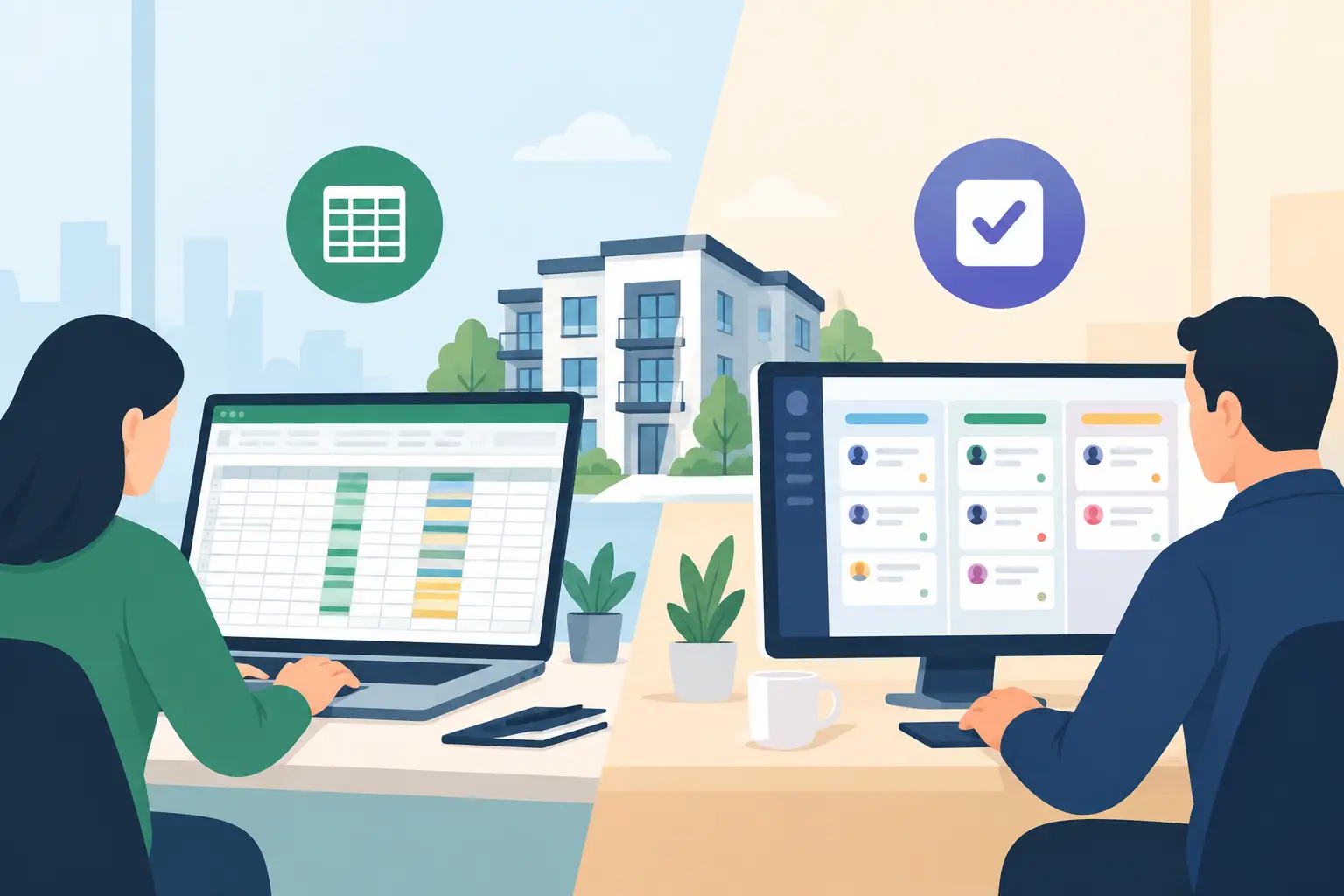
A spreadsheet can look like control right up until a contractor chases an update, a landlord asks what happened to their repair, and three people each believe somebody else has replied. The spreadsheet vs task software decision is not really about preference for cells or dashboards. It is about whether your team can see, own and complete work without creating more admin to manage the admin.
For a small portfolio with a handful of predictable jobs, a well-kept spreadsheet may be enough. For a letting agency or block management team handling maintenance, compliance, inspections, resident messages and landlord reporting at volume, its limits become expensive quickly.
Where spreadsheets still earn their place
Spreadsheets are familiar, flexible and inexpensive. Most property teams can build a tracker for outstanding maintenance, tenancy dates or contractor costs in minutes. They are useful for one-off analysis, forecasting and reviewing information that does not need a constant stream of action.
A spreadsheet can also be the right answer when one person owns a short-term project. If an operations manager is comparing supplier costs or planning a portfolio audit, they need the freedom to sort, filter and model figures in their own way. Task software should not replace every worksheet simply because it can.
The problem starts when the spreadsheet becomes the operational system of record. A live repairs tracker may contain the property address, issue, contractor, date raised and status. But each update relies on someone remembering to find the right row, enter the right detail and tell the next person what has changed. That is a process held together by good intentions.
In a busy office, information also escapes the sheet. The tenant reply is in an inbox, the contractor update is in a phone call, a photograph sits in WhatsApp and the landlord wants an explanation that requires someone to piece the history together. The spreadsheet may show that a job is open, but it rarely shows the full operational picture.
Spreadsheet vs task software: the operational difference
Task software is built around action, accountability and timing. Rather than recording that something needs doing, it assigns an owner, sets a due date, captures the conversation and moves work through a defined process. The distinction sounds simple, but it changes how a property team operates.
A maintenance request, for example, can trigger a task automatically. The task goes to the right person or queue, carries the property and contact details, prompts the required follow-up and records updates in one place. If no one acts by the deadline, the system can flag the delay before it becomes a complaint.
With a spreadsheet, the same request usually creates several separate jobs: log the issue, decide who owns it, send an email, set a reminder, update the row after each response and chase anyone who has not replied. None of these steps is difficult. The cost comes from repeating them hundreds of times a month.
Task software also makes ownership visible. A status such as “in progress” is not enough if nobody can answer who is progressing it, what they are waiting for or when the next update is due. Clear ownership is particularly valuable when staff are on leave, working across offices or dealing with peaks in repairs and move-ins.
The hidden cost is not the spreadsheet licence
Spreadsheets are often described as free. In practice, the relevant cost is the time required to keep them accurate, plus the cost of missed follow-ups when they are not.
Consider a team of five administrators spending just 20 minutes each day updating trackers, checking outstanding rows and asking colleagues for context. That is more than eight hours a week of paid time before they have resolved a single issue. Add duplicated emails, avoidable calls and landlord queries caused by unclear updates, and a low-cost tracker begins to carry a high monthly overhead.
There is a service cost too. Tenants and leaseholders do not judge a team by whether the spreadsheet is complete. They judge it by whether they receive a timely response, know what is happening next and avoid having to repeat themselves. Landlords expect the same certainty, especially where repairs, compliance or expenditure affect their property.
A task-based workflow gives managers something a worksheet cannot easily provide: dependable visibility. They can see overdue work, workload by team member, recurring bottlenecks and unresolved issues without asking staff to compile a report at the end of the week. That makes it easier to protect service standards before a backlog becomes normal.
When task software is the better investment
Task software earns its place where work is recurring, shared or time-sensitive. Lettings and block management operations usually have all three.
It is particularly valuable for compliance activity. Gas safety renewals, electrical checks, inspections, deposit actions and licence requirements all have dates, evidence and consequences. A row turning red in a tracker may prompt action, but automated reminders, assigned owners and an auditable task history create a more reliable control process.
The same applies to communications. Property teams receive requests through calls, emails and messages at all hours. If each message has to be manually interpreted and copied into a spreadsheet, the office starts the day behind. Systems that can capture enquiries, create tasks and route them to the appropriate person reduce the gap between a request arriving and work beginning.
For agencies managing several hundred or several thousand units, consistency matters as much as speed. A defined workflow means a repair is handled to the same standard whether it is raised by the newest administrator or the most experienced property manager. It reduces dependence on individual memory and makes growth less disruptive.
This does not mean task software should become another disconnected system for staff to update. The strongest setup works alongside the CRM and finance platforms your business already relies on. Operational tasks, communication and reporting should add clarity to the existing stack, not force teams to re-enter the same property data in three places.
What to keep in a spreadsheet
Even mature property operations still need spreadsheets. Keep them for analysis, scenario planning, bulk data review and ad hoc reporting. They are excellent for comparing management fee performance by branch, modelling staffing requirements or preparing a board-level portfolio review.
Avoid using them as the primary home for live actions. If an item requires a response, a deadline, an escalation or updates from several people, it belongs in a workflow where those actions are actively managed. The rule is straightforward: spreadsheets are for understanding the business; task software is for running the work.
That separation also improves data quality. Staff do not have to hunt through a long tracker to find their next priority, while directors are not relying on manually maintained status fields to understand operational performance. Each tool does the job it is best suited to do.
How to make the move without disrupting the team
Start with one high-volume, high-friction process rather than attempting a full operational overhaul. Repairs follow-up, inspection actions or landlord update requests are often sensible choices because the delays and duplication are easy to identify.
Map the current journey honestly. Record where a request arrives, who decides what happens next, where updates are stored, when a chase is sent and how the final outcome is reported. This usually reveals that the problem is not a lack of effort. It is too many manual handovers.
Then build a simple workflow with clear ownership at every stage. Avoid creating dozens of statuses that no one can use consistently. The aim is to make the next action obvious, automate routine prompts and keep the relevant communication attached to the work item.
Measure the result in operational terms: time to first response, number of overdue tasks, repeat chases, time spent compiling landlord updates and hours saved from manual logging. These measures give decision-makers a clearer business case than a generic claim about productivity.
Platforms such as Prop Report are designed for this practical layer of property operations, combining automated task creation, shared communication and landlord visibility while working with the core systems agencies already use.
The best choice is rarely spreadsheet or software across every activity. Keep the spreadsheet where it helps people analyse and plan. Put live, accountable work into a system that ensures the next call, message or deadline is not dependent on someone remembering to update a cell.