A landlord asking for an update on a repair is not the problem. The problem is when the same update has already been requested by phone, email and WhatsApp, while the property manager is chasing a contractor and trying to close the month-end report.
That is where the property portal vs landlord dashboard decision becomes more than a feature comparison. For UK letting agents, block managers and portfolio landlords, the right approach determines whether landlord communication creates more administration or removes it.
A portal can give landlords somewhere to log in. A dashboard can give them a clear, current view of their portfolio. The difference matters when you are managing dozens or hundreds of properties, with maintenance, compliance, rent, statements and stakeholder messages all moving at once.
What a property portal is designed to do
A property portal is usually a secure online area where landlords can access documents and basic property information. Depending on the system, this may include statements, tenancy details, inspection reports, certificates, maintenance updates and messages.
For an agency, this is a useful first step away from sending attachments by email or responding to repeated requests for old paperwork. The landlord has a place to retrieve information outside office hours, and the team has a more professional way to share documents.
The limitation is that many portals are largely passive. They hold information, but they do not always show what needs attention, what has changed, who owns the next action or how an issue is progressing. A landlord may be able to find a gas safety certificate, for example, but still need to contact the office to ask whether the renewal has been booked.
That is not a failure of the portal. It reflects what it was built for: access. If your main operational pain is document distribution, a straightforward portal may be enough.
What a landlord dashboard adds
A landlord dashboard is built around visibility and action rather than storage alone. It brings the information a landlord is most likely to need into a clear view: property performance, open maintenance, compliance status, financial information, recent activity and communications.
More importantly, a well-designed dashboard is connected to the work behind the screen. When a maintenance call is logged, it can create the relevant task, assign responsibility and show a meaningful status to the landlord. When a document is added or an action is completed, the dashboard reflects that change without someone having to prepare a separate update.
For landlords, this creates reassurance without requiring them to chase. For agencies, it reduces the time spent writing status emails, searching through systems and answering questions that the client could have answered themselves.
A dashboard should not turn a landlord into an accidental property manager. Too much raw detail can create noise, invite unnecessary intervention and generate more messages than it prevents. The useful balance is clear reporting, appropriate context and a simple route to ask a question when one is genuinely needed.
Property portal vs landlord dashboard: the operational difference
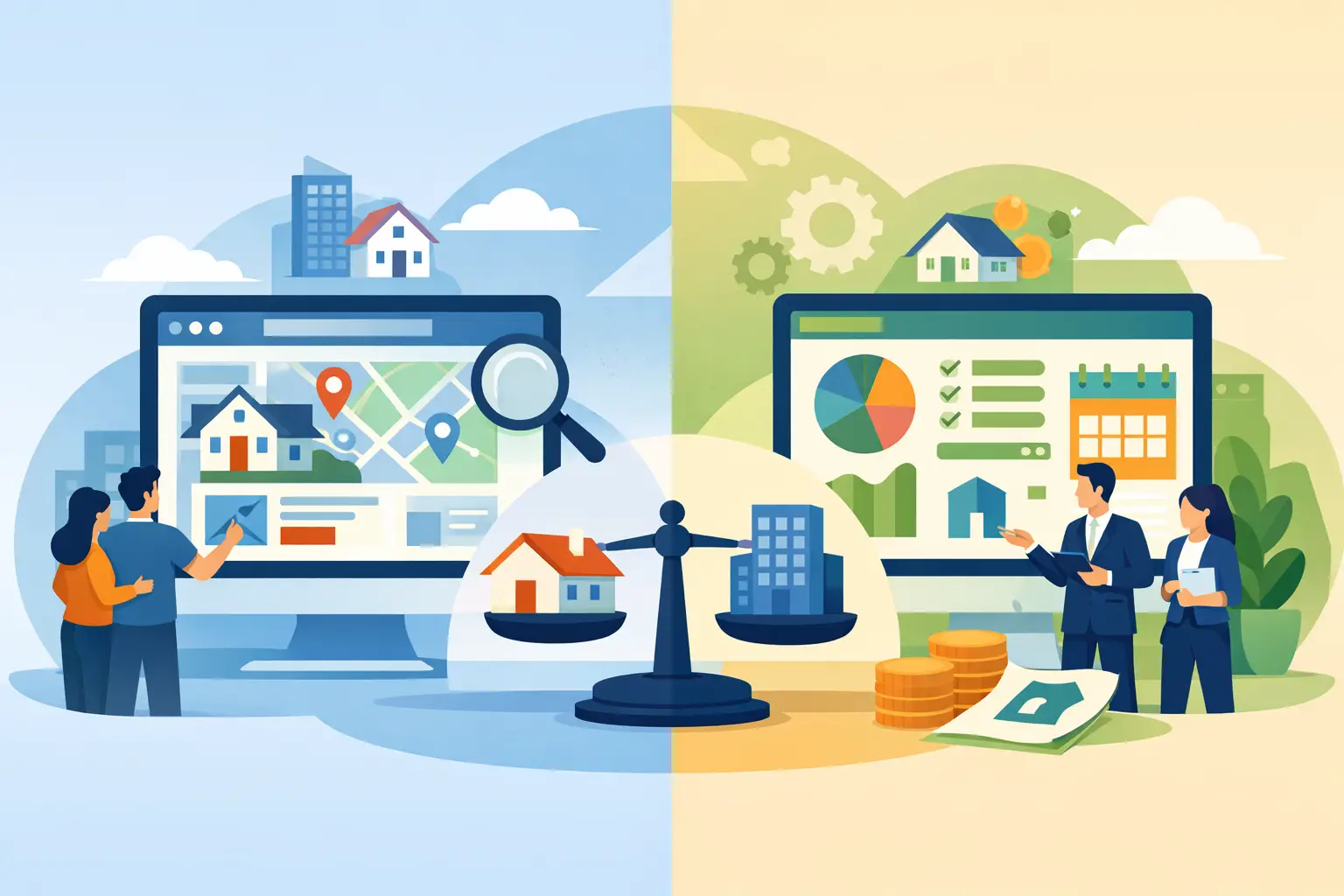
The clearest distinction is simple. A portal answers, “Where can I find this?” A dashboard answers, “What is happening with my property right now?”
That difference affects the day-to-day workload of the whole team. Consider a boiler repair. In a basic portal, the landlord may see a repair record or a final invoice once the work is complete. In a connected landlord dashboard, they may see that the issue has been reported, a contractor has been instructed, an appointment is pending and the next update is due after the visit.
The agency still controls the process. The landlord gains confidence that the issue is moving, and the property manager avoids producing a manual progress report for every stage.
This is particularly valuable in block management, where communication can involve leaseholders, directors, contractors and managing agents. Visibility must be useful, but it also needs boundaries. A dashboard can present agreed reporting and activity without exposing private internal discussions, unfiltered contractor correspondence or information belonging to another client.
Where portals still make sense
A portal remains a sensible choice in several circumstances. Smaller landlords with stable properties may only need periodic statements, compliance documents and inspection reports. Agencies that already have strong internal processes but no secure document-sharing area can also see an immediate benefit.
Portals can be the lower-complexity option when landlords are not asking for frequent updates and the team does not yet have the workflow data needed to power real-time reporting. There is little value in presenting a live dashboard if maintenance records are incomplete, tasks are handled in inboxes or financial data is delayed.
The issue is not whether a portal is good or bad. It is whether it matches the service promise your business is making. If your team is positioning itself as responsive, proactive and transparent, a document library alone may feel out of step with the experience landlords expect.
When a landlord dashboard earns its place
A landlord dashboard is most valuable when communication volume is high, portfolios are growing or service teams are repeatedly asked for the same information. It becomes a practical operating tool when it draws data from the systems the agency already relies on, rather than asking staff to maintain another platform by hand.
The commercial case is usually found in small, repeated tasks. A two-minute update sent several times a day can become hours of unrecoverable admin across a month. Add the time spent locating documents, checking repair statuses, returning missed calls and clarifying what has or has not been agreed, and the cost rises quickly.
A dashboard does not eliminate the need for human communication. It makes that communication more valuable. Instead of replying, “I will look into it,” a property manager can focus on exceptions, advice and issues requiring judgement.
For portfolio landlords, the benefit is equally direct. They can see which properties need attention, review information when it suits them and approach their agent with a specific question rather than a general request for an update. That makes conversations faster and more constructive.
The integration test matters more than the interface
A polished dashboard is of limited use if it sits outside your CRM, maintenance process or finance system. Staff will either duplicate information or stop updating it, and landlords will soon lose trust in what they see.
Before choosing between a property portal and landlord dashboard, ask where the underlying data is created and who updates it. If a repair is logged in one system, a task is created in another and the landlord view is updated manually in a third, the process has simply moved the admin rather than removed it.
The stronger model is an operational layer that connects with existing systems. It captures calls and communications, creates tasks automatically where appropriate, keeps the team working from shared information and provides landlords with a controlled view of relevant progress. That allows agencies to improve transparency without replacing the core software stack they depend on.
This is where automation has a practical role. AI call handling can capture routine maintenance information outside office hours. Automated task creation can ensure an enquiry does not disappear into an inbox. Shared communication hubs can keep updates tied to the property and issue, rather than scattered across personal email accounts. The landlord dashboard then becomes a visible outcome of better operations, not a separate reporting exercise.
Decide based on the problem you need to solve
If landlords mainly want documents, statements and occasional reports, a portal may meet the need efficiently. If they are regularly chasing repairs, asking for portfolio updates or questioning whether action has been taken, a dashboard connected to live workflows is likely to deliver more value.
For many growing agencies, the best answer is not portal or dashboard in isolation. It is a landlord-facing experience that combines secure access to documents with clear, relevant operational visibility. The key is to keep the information current, useful and proportionate.
Prop Report is designed for that operational reality: helping property teams reduce repetitive administration, organise communication and give landlords a clearer view without forcing a change to the systems already at the heart of the business.
The real measure is not how many features appear after login. It is whether your team receives fewer avoidable enquiries, resolves genuine issues faster and gives every landlord confidence that their portfolio is being actively managed.