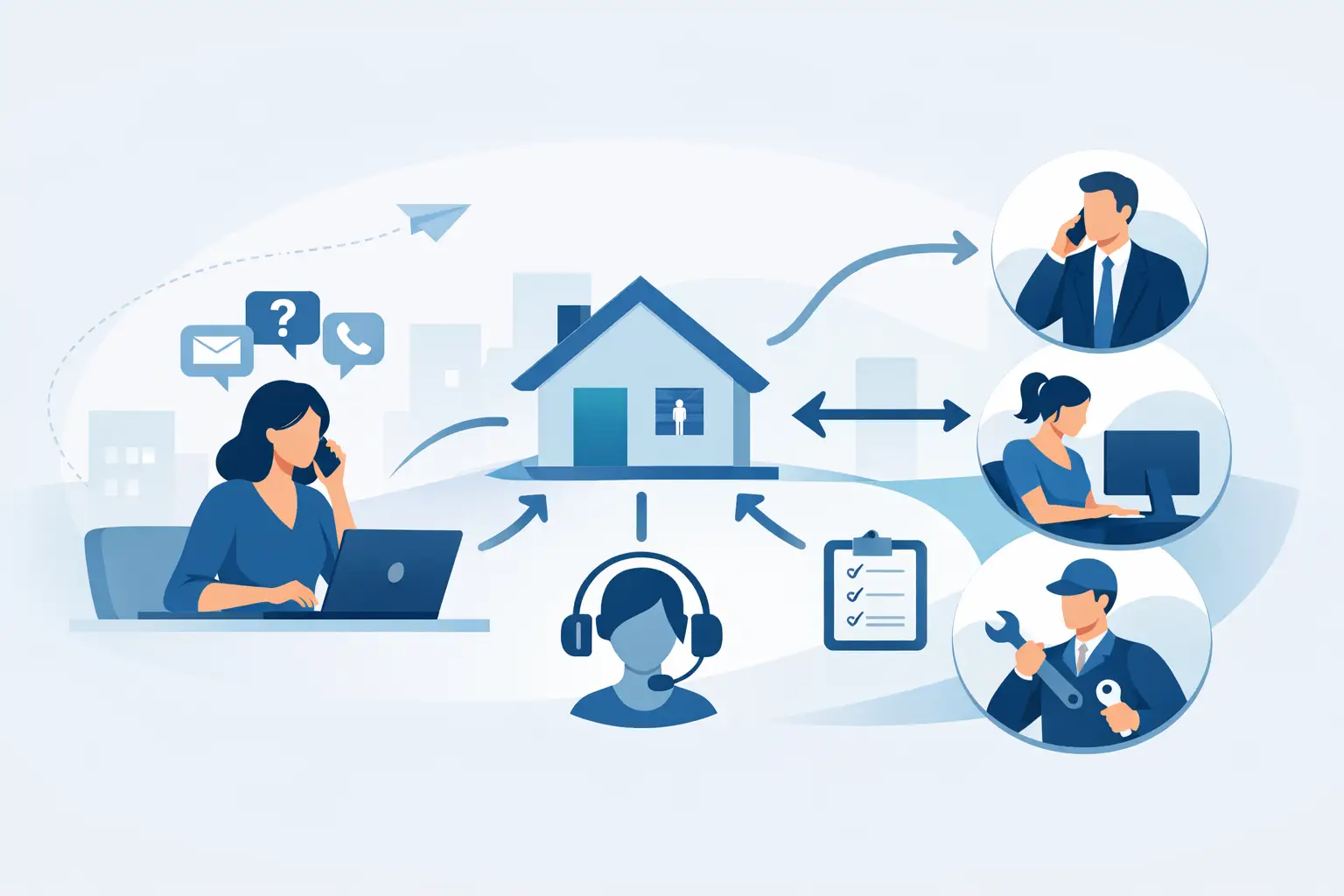
A tenant reports a leak at 8.15am, a prospective renter wants a viewing at 8.20am, and a landlord calls about arrears at 8.25am. If all three arrive in the same shared inbox, the first job is not property management - it is working out who owns what. Knowing how to route tenancy enquiries gives your team a faster route from incoming message to accountable action, without making tenants repeat themselves or asking staff to constantly monitor multiple channels.
For agencies and portfolio operators, enquiry routing is an operational control. Done well, it reduces avoidable calls, protects response standards and gives managers a clear view of where work is building up. Done badly, it leaves urgent issues buried under routine questions, creates duplicate work and damages confidence on both sides of the tenancy.
Start by separating enquiry types
The quickest way to lose control is to treat every incoming enquiry as identical. A maintenance emergency, a viewing request and a question about a tenancy renewal should not follow the same route or receive the same response time.
Create a small, practical set of categories that reflects how your team operates. Most letting businesses will need categories for new lets and viewings, maintenance and repairs, tenancy administration, rent and arrears, renewals, complaints, landlord queries and general account questions. Block managers may also need service charge, communal-area and contractor categories.
The categories must be specific enough to send work to the correct person, but not so detailed that staff or tenants choose the wrong one. If your system asks someone to distinguish between six forms of maintenance before they can report a fault, they will either abandon the process or select the first available option. Start with the service area, then gather the detail once the case has been routed.
Give urgent issues their own route
Urgency should be determined by the potential impact, not by how strongly a caller expresses frustration. Loss of heating in winter, an active water leak, a gas concern, a security failure or a serious electrical issue need immediate triage. A dripping tap, cosmetic damage or a request for a copy document can enter a standard queue.
Build clear decision rules around true emergencies. Your call handling, web forms and team scripts should all use the same definitions. This protects tenants, reduces inappropriate out-of-hours escalations and helps staff act with confidence when pressure is high.
Assign ownership, not just a mailbox
A shared inbox can receive work, but it does not own work. Every tenancy enquiry needs a named owner or a clearly defined queue with a service-level target and an escalation path.
For smaller teams, ownership may be based on a managed portfolio or property area. For larger agencies, it may be based on function: repairs to the property management team, applicant questions to lettings, and rent issues to accounts. Either model can work. The deciding factor is whether a colleague can see, within seconds, who is expected to act next.
Avoid routing everything through one experienced administrator. It may feel efficient because they know the portfolio, but it creates a single point of failure and makes growth expensive. Good routing distributes routine work to the appropriate role while escalating only the exceptions that need senior judgement.
A useful rule is this: the person receiving an enquiry should not need to ask around to discover its owner. The system should provide that answer from the property, tenancy, issue type and urgency level.
Make every channel feed the same workflow
Tenants and landlords do not communicate through one channel. They phone, email, submit forms, reply to old threads and send messages outside normal hours. If each route leads to a separate place, the team spends the day copying details between inboxes, CRM records, task lists and contractor systems.
Bring calls, emails and digital requests into a shared communication hub wherever possible. The enquiry should be linked to the relevant property and tenancy record, tagged with its category and assigned automatically or with one quick decision. That creates an audit trail: what was reported, when it arrived, who responded and whether the issue is still open.
Automation has a particular role at the first point of contact. An AI call handler or structured online form can capture the caller’s name, address, contact details, enquiry type and key facts before creating a task for the correct team. It does not replace human judgement for a distressed tenant or complex dispute. It removes the repetitive work of taking down basic information, checking the address and forwarding a message manually.
The benefit is not simply fewer calls answered by staff. It is cleaner information and a faster first action. When an enquiry enters with the property already identified, the assigned colleague can begin resolving it rather than searching for context.
Set response standards that match the enquiry
Speed matters, but a blanket target such as ‘respond to all messages within four hours’ rarely improves service. It encourages superficial acknowledgements while urgent cases wait in the same queue as routine requests.
Set different service standards by category. Emergencies may need an immediate response and contractor escalation. Standard repair reports may need acknowledgement within one working day and a clear next update. Viewing requests should be handled quickly because delays cost instructions and applicants. Renewal or document questions can often have a longer target, provided the tenant receives a clear expectation.
An automatic acknowledgement is useful when it confirms the right information. It should state that the enquiry has been received, explain what happens next and provide emergency guidance where relevant. It should not promise a resolution time your team cannot consistently meet.
Managers should be able to see ageing enquiries, overdue tasks, reassigned cases and repeat contacts. These are more revealing than an inbox count. A low inbox number can simply mean staff are closing messages without resolving the underlying work.
Use property data to route with confidence
The property address is usually the most valuable routing field. From that single detail, your workflow can identify the tenant, landlord, assigned property manager, contractor preferences, maintenance history and any known access constraints.
This is why disconnected systems create costly friction. When the communication tool does not recognise the property, staff must search the CRM, check old emails and then create a task elsewhere. Multiply those steps across dozens of daily enquiries and the admin burden becomes significant.
Integration with your existing CRM and finance tools matters here. The aim is not to replace a system that already holds core property data. It is to create an operational layer that turns incoming communication into visible, assigned work. Prop Report is designed around this model, helping teams keep conversations, automated tasks and landlord visibility aligned without forcing a wholesale system change.
Build escalation into the process
Not every enquiry will be resolved by the first owner. A contractor may fail to attend, a tenant may dispute a charge or a landlord may need to approve works above an agreed limit. These cases should move through a defined escalation route rather than relying on someone remembering to chase them.
Escalation triggers can include an overdue response, repeated contact on the same issue, a repair that has exceeded its target date, a complaint keyword or a cost threshold. The right trigger depends on your portfolio and supplier network. What matters is that it creates a visible action for the next responsible person.
Keep the tenant informed when an enquiry changes hands. Internal routing should not feel like a black hole externally. A short update confirming who is dealing with the issue and when they will respond can prevent unnecessary follow-up calls.
Review the failure points, not just the volumes
Monthly enquiry reporting should answer more than ‘how many messages did we receive?’ Look for the categories that generate the most repeat contacts, the properties with recurring repair reports, the teams with the longest ageing tasks and the times of day when demand peaks.
These patterns show where routing needs improvement. A high volume of calls about rent statements may point to poor self-service information. Repeated repair follow-ups may indicate weak contractor updates. Enquiries repeatedly reassigned between teams often mean categories or ownership rules are unclear.
There is a trade-off: tighter automation brings consistency, but rules that are too rigid can send unusual cases down the wrong path. Review a sample of routed enquiries regularly and give staff a simple way to correct the category, priority or owner. Those corrections are not failures. They are the evidence you need to refine the workflow.
The best route is the one that gets a tenant or landlord to a clear next action quickly, while giving your team enough context to resolve the matter properly. Make that standard visible, measurable and easy to follow, and each new enquiry becomes managed work rather than another interruption.