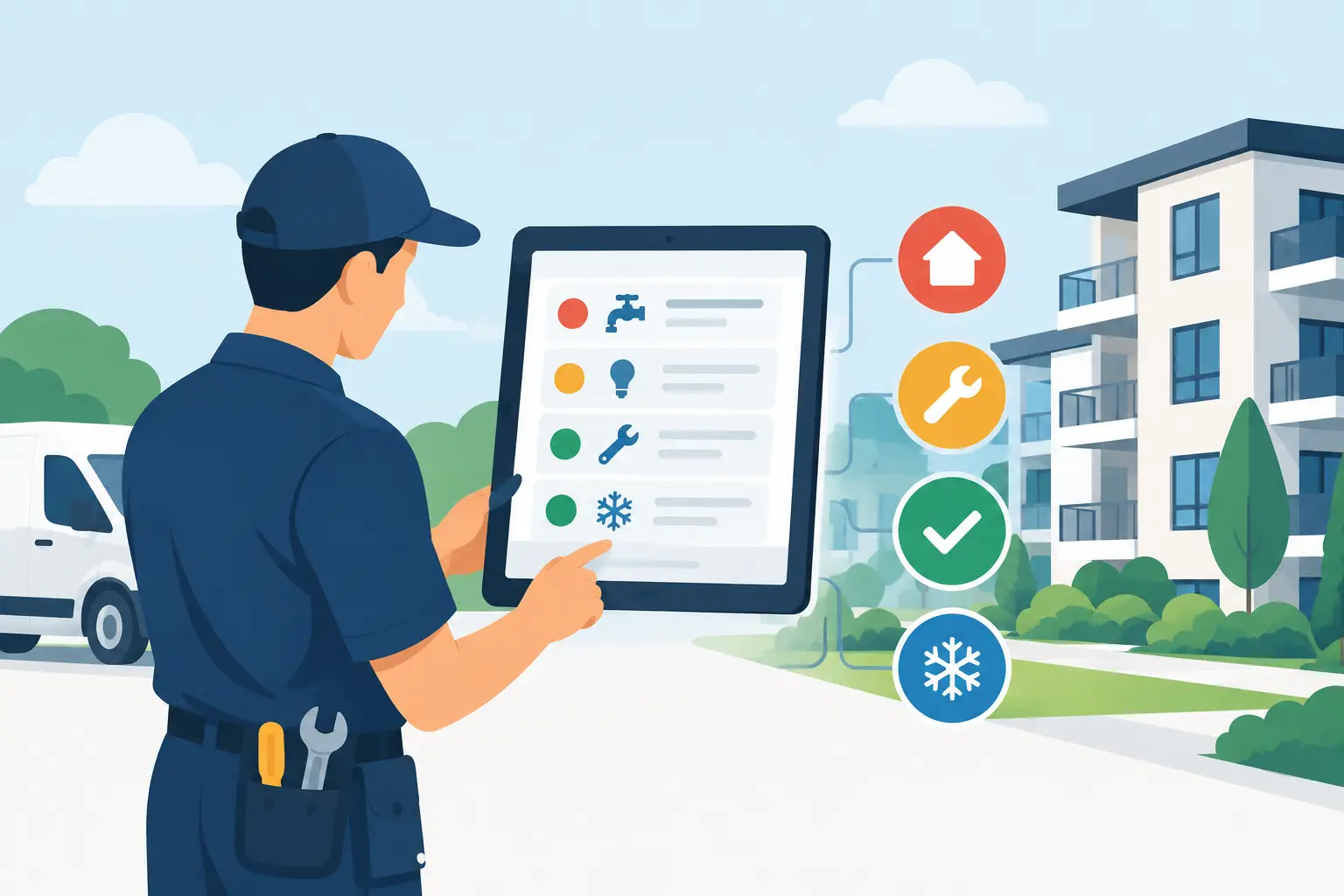
A repair call at 8.15am can become five separate jobs before lunch: a tenant reports a leak, an administrator chases details, a contractor needs access information, a landlord asks for an update, and the original message disappears into an inbox. The best maintenance triage tools stop that chain reaction by turning the first report into a structured, visible workflow.
For UK letting agents, block managers and portfolio landlords, triage is not simply logging maintenance. It is deciding what needs attention now, collecting the right evidence, assigning responsibility and keeping every party informed without adding more admin. The right tool protects response times, margins and client confidence at the same time.
What a maintenance triage tool should actually do
A useful triage system starts before a member of the team picks up the phone. It should capture the issue consistently, whether it arrives through a call, email, portal or message. That means recording the property, occupier, issue type, urgency, photos or video, access constraints and preferred contact details in one place.
From there, the system needs rules. A report of water entering a property, a gas safety concern or a total loss of heating in cold weather cannot sit in the same queue as a dripping tap or damaged cupboard hinge. Good triage routes urgent cases to the right person, prompts the reporter for missing information and creates a clear audit trail of each decision.
The final requirement is visibility. Property teams need to see what is waiting for a response, what has been sent to a contractor, where approval is required and which repairs are becoming overdue. Landlords need a clear picture without repeatedly calling the office. A triage tool that only creates tickets but leaves updates in separate inboxes moves the problem rather than solving it.
7 best maintenance triage tools and capabilities
The best option depends on your portfolio, existing software and the amount of communication your team manages. In practice, most high-performing operations combine several of the capabilities below, ideally without forcing staff to duplicate data.
1. AI call handling and automated task creation
Telephone calls remain central to urgent maintenance, particularly for tenants who are stressed or unsure how serious an issue is. AI call handling can collect the first report outside office hours, ask structured follow-up questions and create a task automatically for the appropriate team or contractor.
This is especially valuable for agencies receiving high call volumes or managing a dispersed portfolio. It reduces the burden on administrators while ensuring an emergency report is not buried in a voicemail. The trade-off is that call scripts and escalation rules must be carefully configured. A system should recognise when a case needs human intervention, not attempt to make every judgement automatically.
2. Tenant maintenance reporting portals
A well-designed reporting portal gives occupiers a guided way to raise non-emergency repairs. Rather than receiving a vague message saying “the boiler is broken”, the team can request the fault code, photographs, video and confirmation of whether there is heating or hot water.
This improves first-time diagnosis and reduces unnecessary contractor visits. It also gives tenants confirmation that their report has been received, which can prevent follow-up calls. The portal must be simple enough for people to use on a mobile phone. If it asks too many questions or feels detached from the rest of the service, tenants will return to email and phone calls.
3. Shared communication hubs
Maintenance rarely fails because a team lacks messages. It fails because the messages are spread across personal inboxes, WhatsApp conversations, property management systems and contractor emails. A shared communication hub brings the correspondence around each job into a single record.
For managers, this creates accountability. Anyone stepping into a case can see what was reported, what was promised and what has happened since. For staff, it removes the time lost asking colleagues for context. Look for a system that links communication directly to the property and repair task, rather than operating as another standalone inbox.
4. Rule-based prioritisation workflows
The most effective maintenance teams do not rely on each administrator interpreting urgency differently. Rule-based workflows apply consistent priorities based on the fault, property type, tenancy circumstances and potential risk.
For example, a water leak may trigger immediate escalation, a request for photos and a contractor notification. A communal lighting fault in a block may be assigned to the block management team, while a minor internal repair is placed in a planned works queue. These rules create consistency, but they should be reviewed regularly. A rigid process can create poor outcomes where the context does not fit the standard category.
5. Contractor dispatch and approval tools
Once a repair has been assessed, the next delay often occurs at the handover point. Contractor dispatch tools issue work orders with the problem description, contact details, access requirements and relevant evidence already attached. They can also track appointment status, quotations and completion evidence.
For agencies working with preferred contractors, this saves considerable chasing. For landlords, approval controls help prevent works progressing beyond agreed limits without authorisation. The key question is whether the tool supports your actual contractor network. A sophisticated platform adds little value if tradespeople still need information manually copied into an email or text message.
6. Mobile inspection and evidence capture apps
Some maintenance issues cannot be triaged properly from a written description. Mobile inspection tools allow staff, contractors or site teams to capture photos, videos, condition notes and location-specific observations at the property.
These tools are particularly useful in block management, where recurring issues in communal areas can be documented and compared over time. They also strengthen the record where liability, dilapidations or recurring tenant damage may later be disputed. The limitation is operational: evidence only improves decisions when it is attached to the live maintenance record and reviewed promptly.
7. Landlord dashboards and reporting
A landlord who can see open repairs, approvals, spend and status updates is less likely to contact the team for a manual progress report. Dashboards give owners practical transparency while allowing the agency to control how information is presented.
This matters commercially. Clear reporting demonstrates that repairs are being handled, even when a part is delayed or a contractor appointment has moved. It also makes it easier to identify repeat issues, high-spend properties and contractor performance trends. Prop Report is designed around this operational layer, combining automated task creation, shared communication and real-time landlord visibility alongside existing CRM and finance systems.
How to choose between maintenance triage tools
Start with the point where your current process breaks. If calls and voicemails are overwhelming the team, prioritise call handling and automatic task creation. If reports lack essential details, focus on guided tenant reporting. If landlords are repeatedly asking for updates, dashboards and shared job visibility may deliver the fastest return.
Integration should carry serious weight in the decision. Your team should not have to re-enter property details, tenant contact information, job updates or invoices across multiple systems. Ask exactly what data flows between your CRM, accounting or finance platform and the triage tool. “Integrates with” can mean anything from a basic data export to a genuinely connected workflow.
Also test the exceptions. Ask how the system handles an emergency reported at night, a vulnerable tenant with no heating, a contractor who cannot gain access, or a job that exceeds the landlord’s approval threshold. These are the moments that reveal whether a platform supports real property operations or only handles the straightforward cases.
Measure the operational impact after launch
The value of triage software should show up in day-to-day numbers, not just a cleaner-looking dashboard. Track how long it takes to acknowledge a report, how often staff chase missing information, the number of calls per open job and the percentage of repairs completed without a repeat visit.
Monitor aged jobs and contractor response times as well. A backlog is not always a staffing issue. It can indicate unclear ownership, missing approvals or poor communication at the start of the process. With consistent data, managers can fix the root cause rather than asking the team to work harder.
The right maintenance triage tool gives your team a calmer starting point when the next urgent call arrives: the issue is captured, prioritised, assigned and visible before it turns into another afternoon of avoidable chasing.